


HP Vehicle RC Online Services – वाहन RC से जुड़े ऑनलाइन काम
HP Vehicle RC Online Services – वाहन RC से जुड़े ऑनलाइन काम
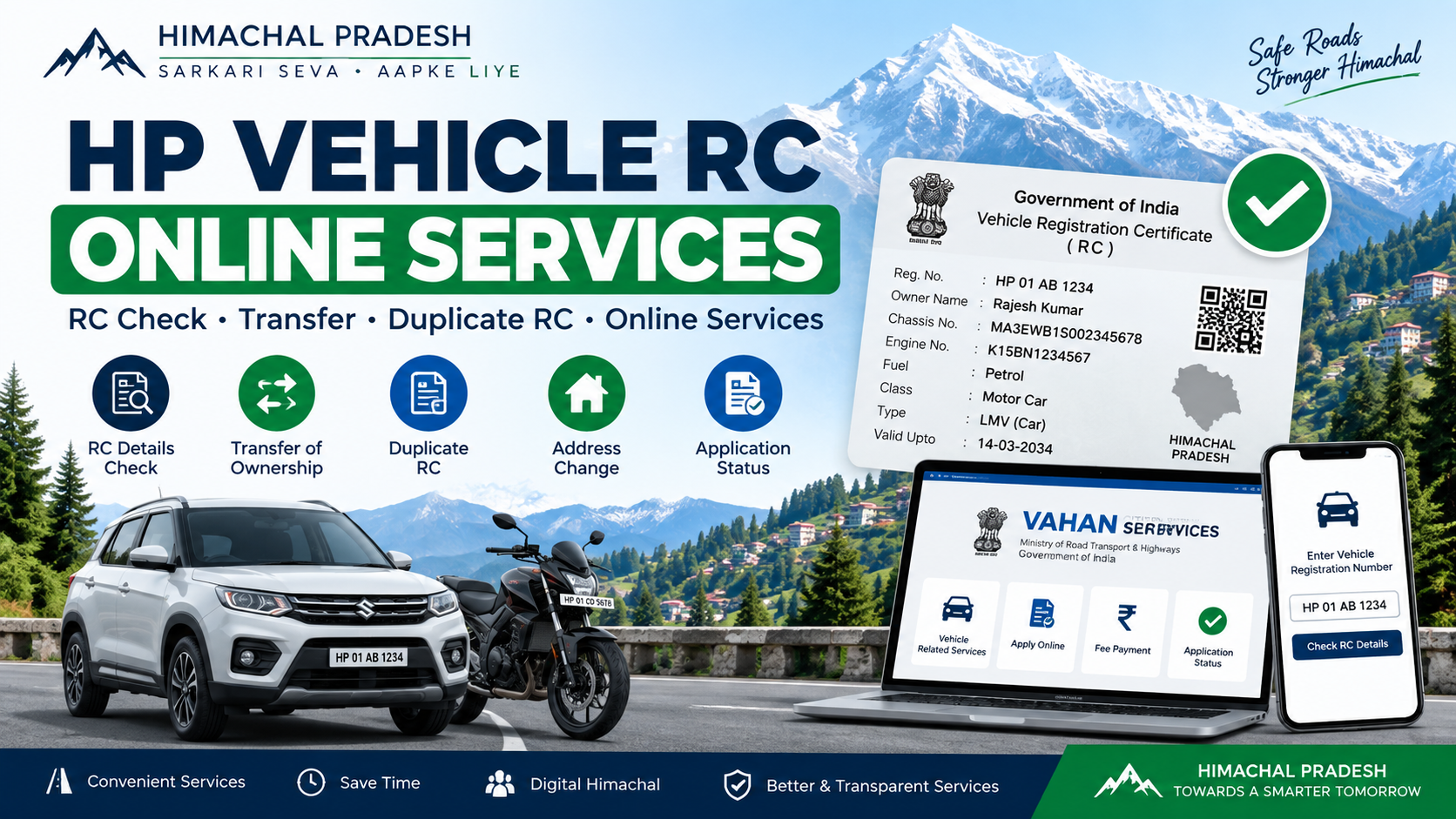
Himachal Pradesh में vehicle owners के लिए Vehicle Registration Certificate (RC) से जुड़े कई काम अब online किए जा सकते हैं। अगर आपके पास Himachal Pradesh में registered vehicle है, तो आप RC details check, ownership transfer, duplicate RC, address change और application status जैसी services online access कर सकते हैं।
HP Vehicle RC Online Apply कैसे करें?
Himachal Pradesh में vehicle RC से जुड़ी services के लिए VAHAN Citizen Services portal का इस्तेमाल किया जा सकता है। Portal पर RC-related services में Transfer of Ownership, Duplicate RC, Change of Address, Hypothecation आदि options available हैं
Step 1 – VAHAN Portal Open करें
सबसे पहले official VAHAN Citizen Services portal open करें।
Step 2 – Vehicle Number Enter करें
Application form में applicant की basic information, address और अन्य required details सही-सही भरें।अब अपना Vehicle Registration Number enter करें और Proceed पर click करें।
Step 3 – Chassis Number Verify करें
अपनी vehicle के Chassis Number के last 5 digits enter करके registration details verify करें।
Step 4 – OTP Verification करें
Registered mobile number पर आए OTP को enter करके verification complete करें।
Step 5 – RC Service Select करें
अब Basic Services / Vehicle Related Services में जाकर अपनी जरूरत के अनुसार service select करें, जैसे:
- Transfer of Ownership
- Duplicate RC
- Change of Address
- Hypothecation Addition
- Hypothecation Termination
Step 6 – Application Details भरें
Selected service के अनुसार मांगी गई Service Details और Insurance Details fill करें।
Step 7 – Documents Upload करें
अगर portal पर documents upload करने का option दिया गया है, तो required documents upload करें।
Step 8 – Fee Payment करें
Fee Details check करें और applicable government fee online pay करें।
Step 9 – Application Submit करें
Payment complete होने के बाद application submit करें और Application/Receipt Number सुरक्षित रखें।
Step 10 – Application Status Check करें
Application submit करने के बाद VAHAN portal के Status → Know Your Application Status option से application की progress check कर सकते हैं।
Important: कुछ services में online application के बाद RTO processing, document verification या appointment की आवश्यकता हो सकती है। Portal application के दौरान अगर appointment/verification option दिखाए, तो उसी के अनुसार आगे की प्रक्रिया पूरी करें।