

PDF Editor

PDF Editor

Add text, highlights, notes and shapes to a PDF, right in your browser

Processed on your device — files are never uploaded
  • Add text, shapes, images, highlights and freehand notes on any page
  • Select tool to move, edit or delete anything you've added
  • Rotate or delete pages before saving
  • Nothing is uploaded — edits happen entirely on your device
01
Upload your file Choose a file or drag and drop it into the workspace.

Drag & drop your file here

Supported: PDF

All the PDF tools you need, now 100% free

Enjoy unlimited PDF tools usage in India with a free account on himsewa.com. No subscription or credit card required. Excludes AI features.

How to Edit online PDF

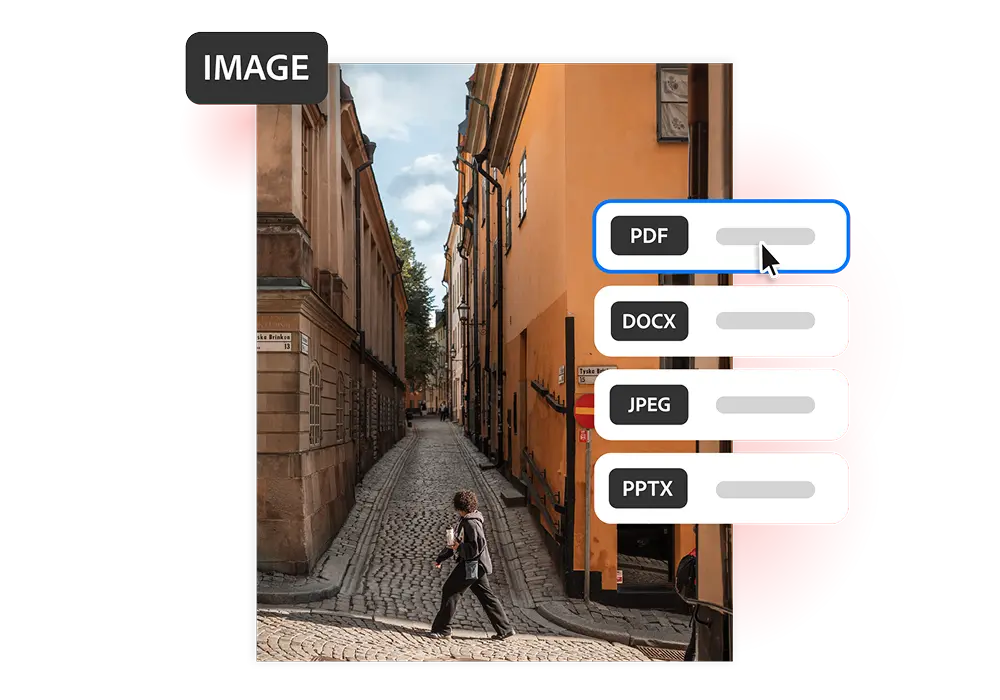
Turn JPG, PNG, BMP, HEIC, TIFF or other image files into polished PDFs in just a few clicks with free Acrobat online tools. Whether you’re organising documents, sharing visuals or preparing files for print, converting photos to PDF is fast and easy.

Follow these steps to convert compress PDF online:

1. Upload Your PDF: Select a PDF file from your device by browsing your files or simply drag and drop it into the upload area to start editing online.
2. Edit PDF Online: Easily edit your uploaded PDF by adding text, images, annotations, or making changes while preserving its original layout and formatting.
3. Download & Share Your PDF: Instantly download your edited PDF and easily save, print, or share it across devices for professional, educational, or personal use.
pdf image

Edit your PDF files quickly and easily with our free online tools — no installation required.

Explore the advantages of Edit  your PDF files using our online tools.

newsahre

Simple and Convenient File Sharing

Convert your photos, screenshots, and scanned documents into shareable PDF files. Easily send them through email, WhatsApp, or cloud storage for assignments, job applications, and everyday use.
newmain

Maintain Original Image Quality

Preserve the original colours, clarity, and fine details of your images while converting them into PDFs. Perfect for photography portfolios, creative projects, product images, and professional presentations.

newcombine

Merge Multiple Images into One PDF

Combine multiple photos, screenshots, or scanned documents into a single PDF file. Perfect for organizing receipts, certificates, banking paperwork, government forms, and admission documents.
newprint

Print-Ready PDF Formatting

Not every image prints with the same layout. Converting your photos into PDFs helps maintain consistent sizing and formatting, making them ideal for study materials, office documents, posters, and printable forms.
neworganize

Keep Your Files Organized

Organize your photos, screenshots, and document images into easy-to-manage PDF files. Perfect for storing personal records, project documents, onboarding materials, reference files, and study notes.

newmore

Get More Out of Your PDF Files

After converting your images into PDFs, you can easily edit pages, merge multiple files, reduce document size, and add password protection to keep your important files secure and well-organized.

Scroll to Top