

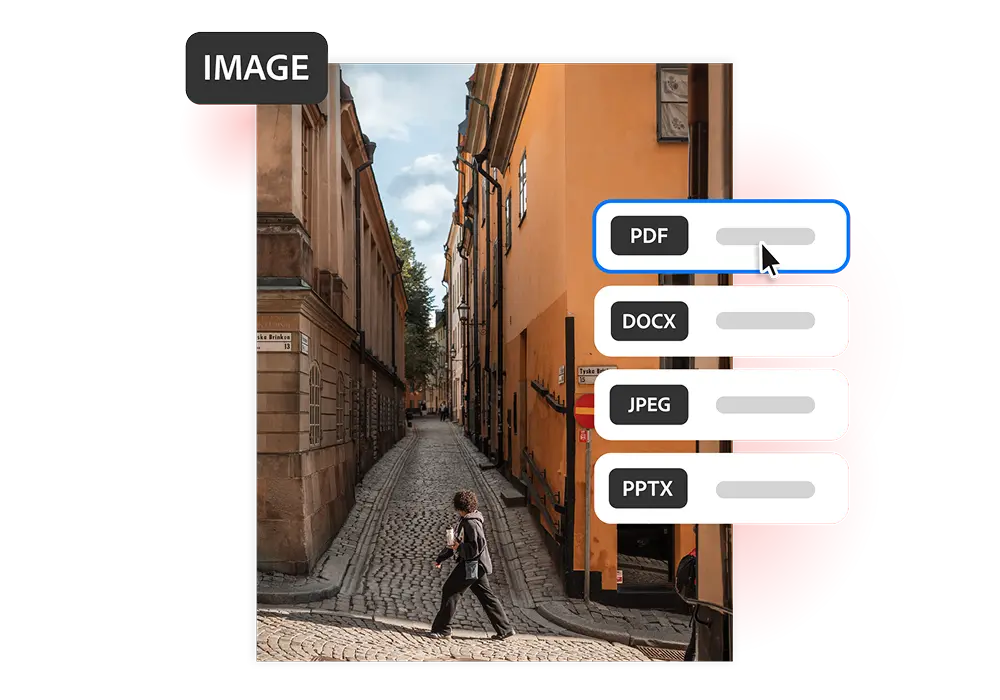

Simple and Convenient File Sharing
Convert your photos, screenshots, and scanned documents into shareable PDF files. Easily send them through email, WhatsApp, or cloud storage for assignments, job applications, and everyday use.

Maintain Original Image Quality
Preserve the original colours, clarity, and fine details of your images while converting them into PDFs. Perfect for photography portfolios, creative projects, product images, and professional presentations.

Merge Multiple Images into One PDF
Combine multiple photos, screenshots, or scanned documents into a single PDF file. Perfect for organizing receipts, certificates, banking paperwork, government forms, and admission documents.
Print-Ready PDF Formatting
Not every image prints with the same layout. Converting your photos into PDFs helps maintain consistent sizing and formatting, making them ideal for study materials, office documents, posters, and printable forms.
Keep Your Files Organized
Organize your photos, screenshots, and document images into easy-to-manage PDF files. Perfect for storing personal records, project documents, onboarding materials, reference files, and study notes.

Get More Out of Your PDF Files
After converting your images into PDFs, you can easily edit pages, merge multiple files, reduce document size, and add password protection to keep your important files secure and well-organized.